Fast file access from anywhere
Transfer files instantly. No cables. No setup.
Access your PC from your phone in seconds. Browse files,
upload media and share secure links without an account.
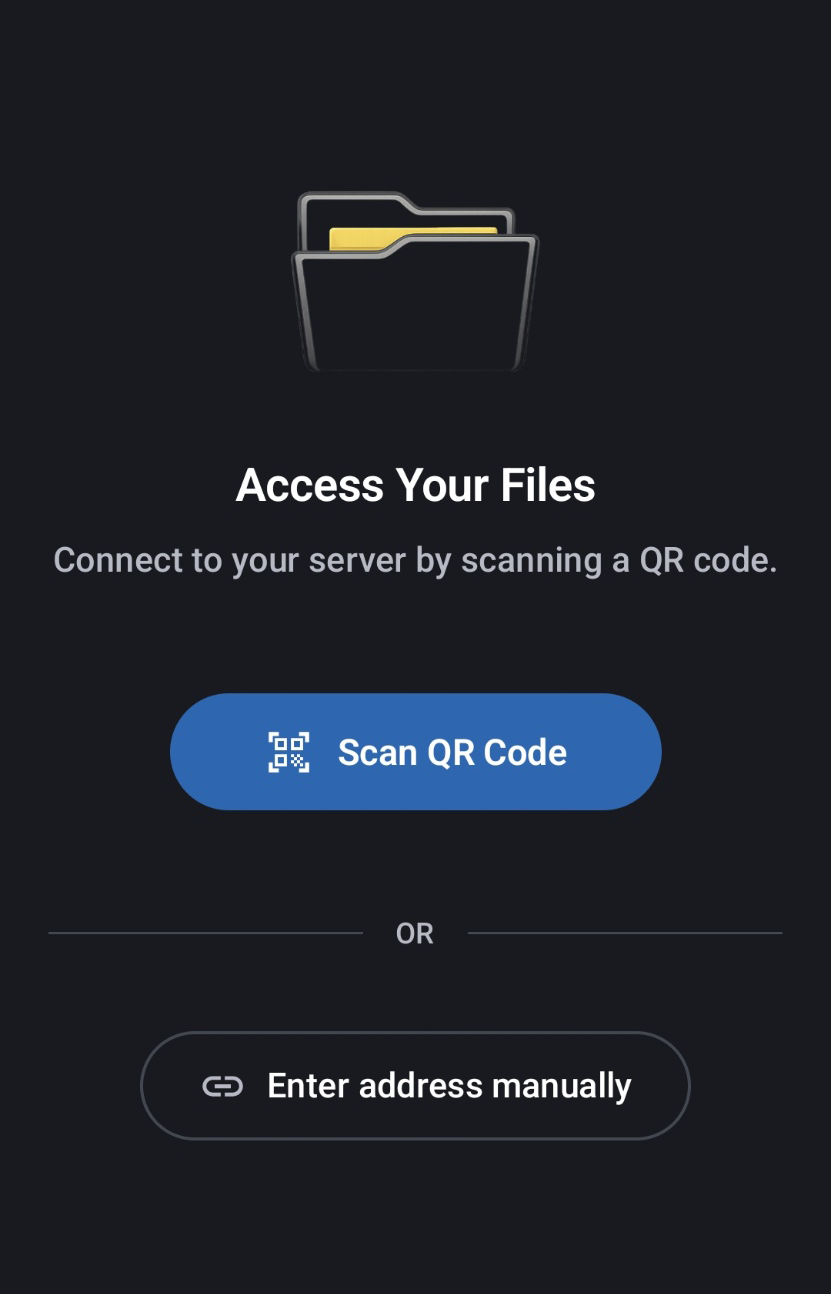
Connect in seconds
Scan a QR code and get in instantly
Start on your PC, scan from your phone, and connect without creating an account or typing long addresses.
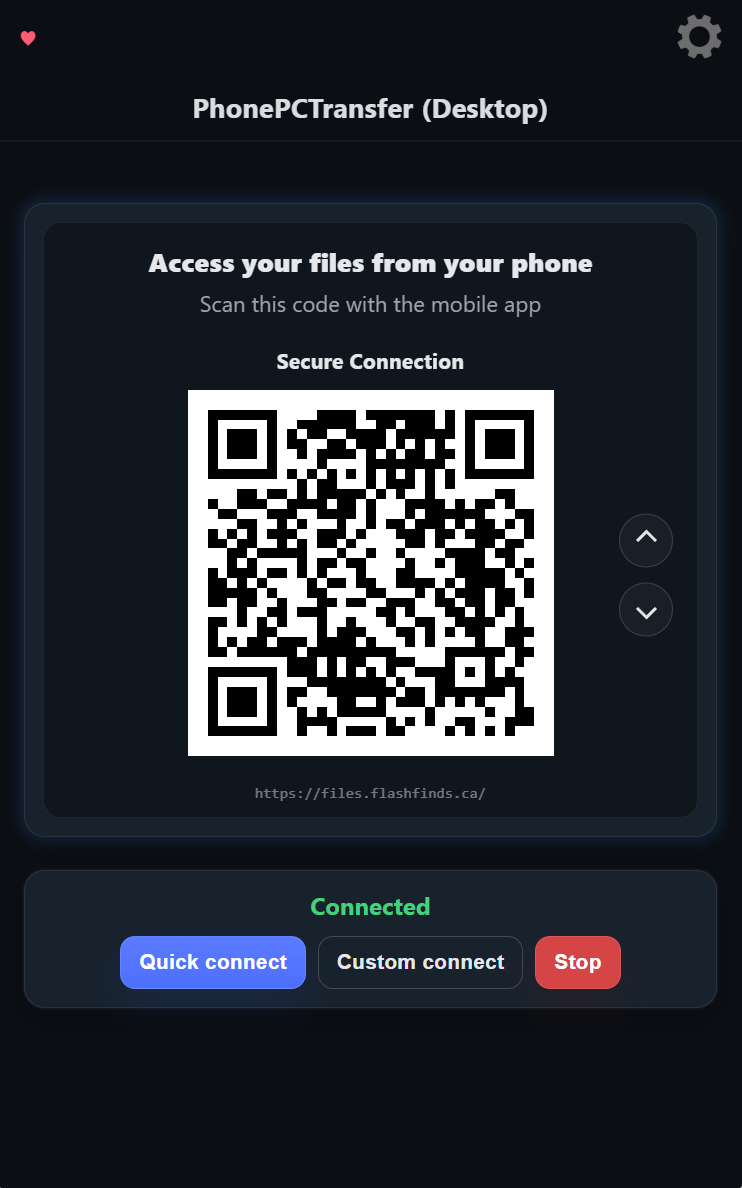
Desktop connection
Simple on the PC side too
Generate a secure connection, show the QR code, and control access with a clean desktop interface.
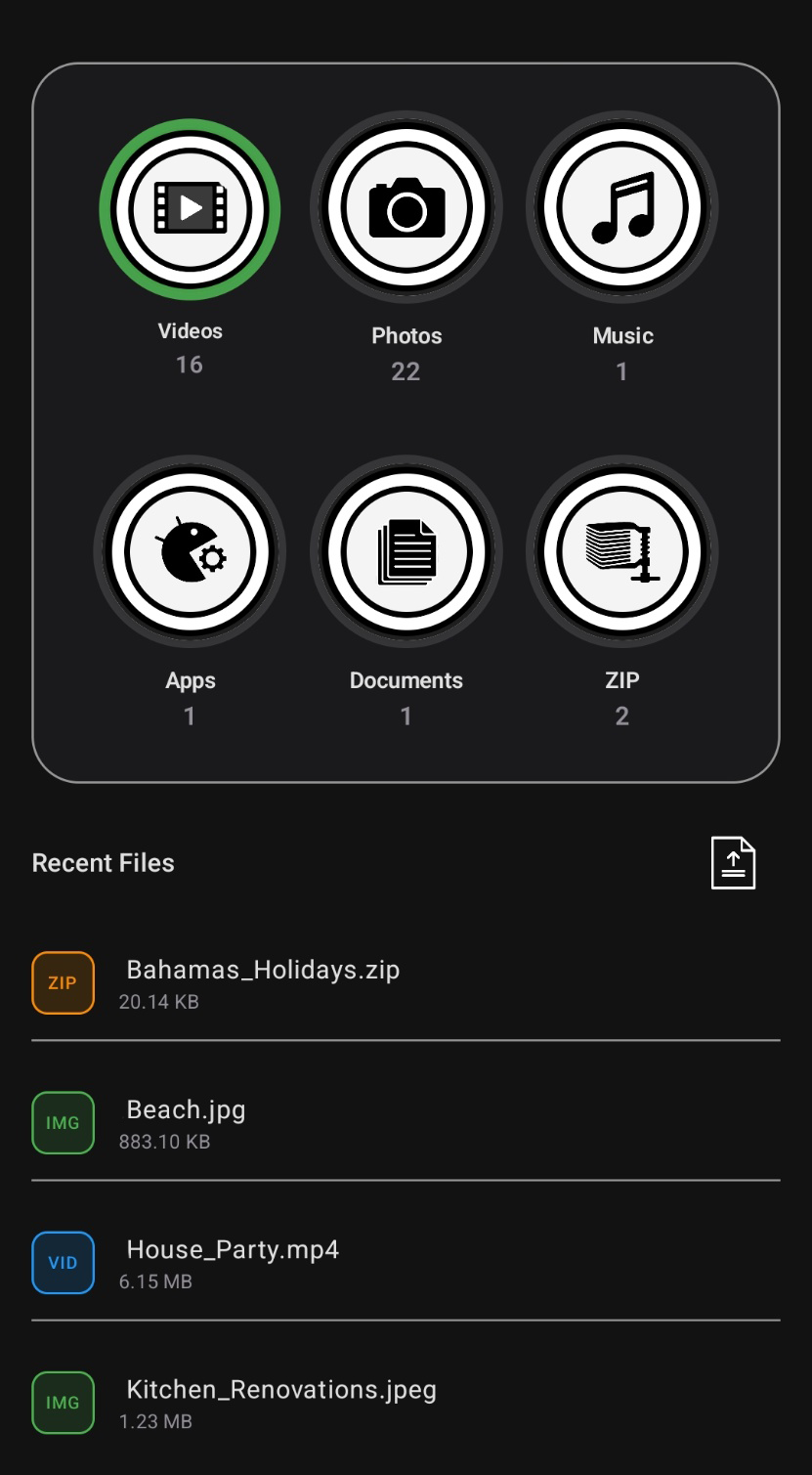
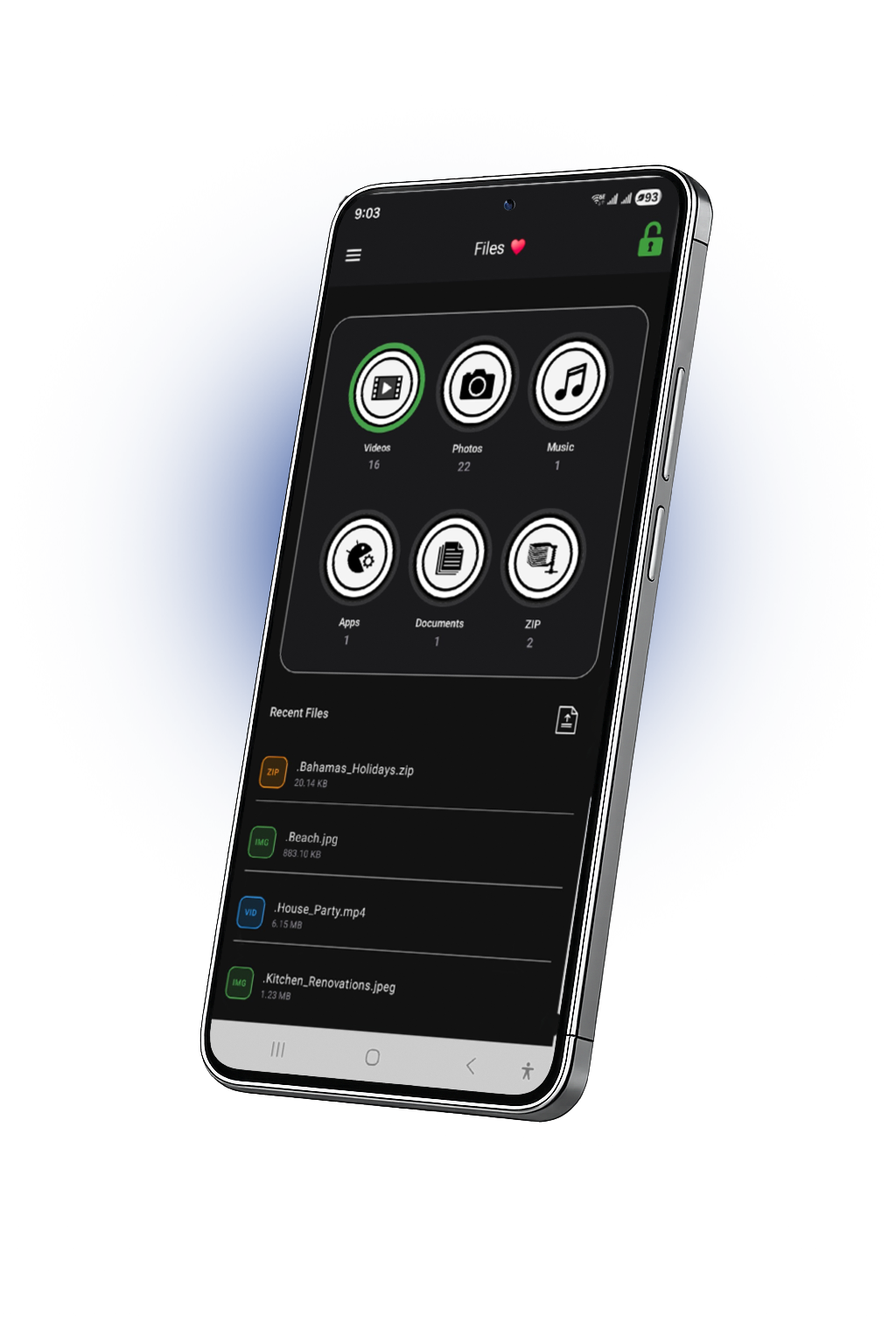
Browse files
Access categories and recent files from your phone
Jump into videos, photos, music, documents, and more, or work from the recent files list right away.
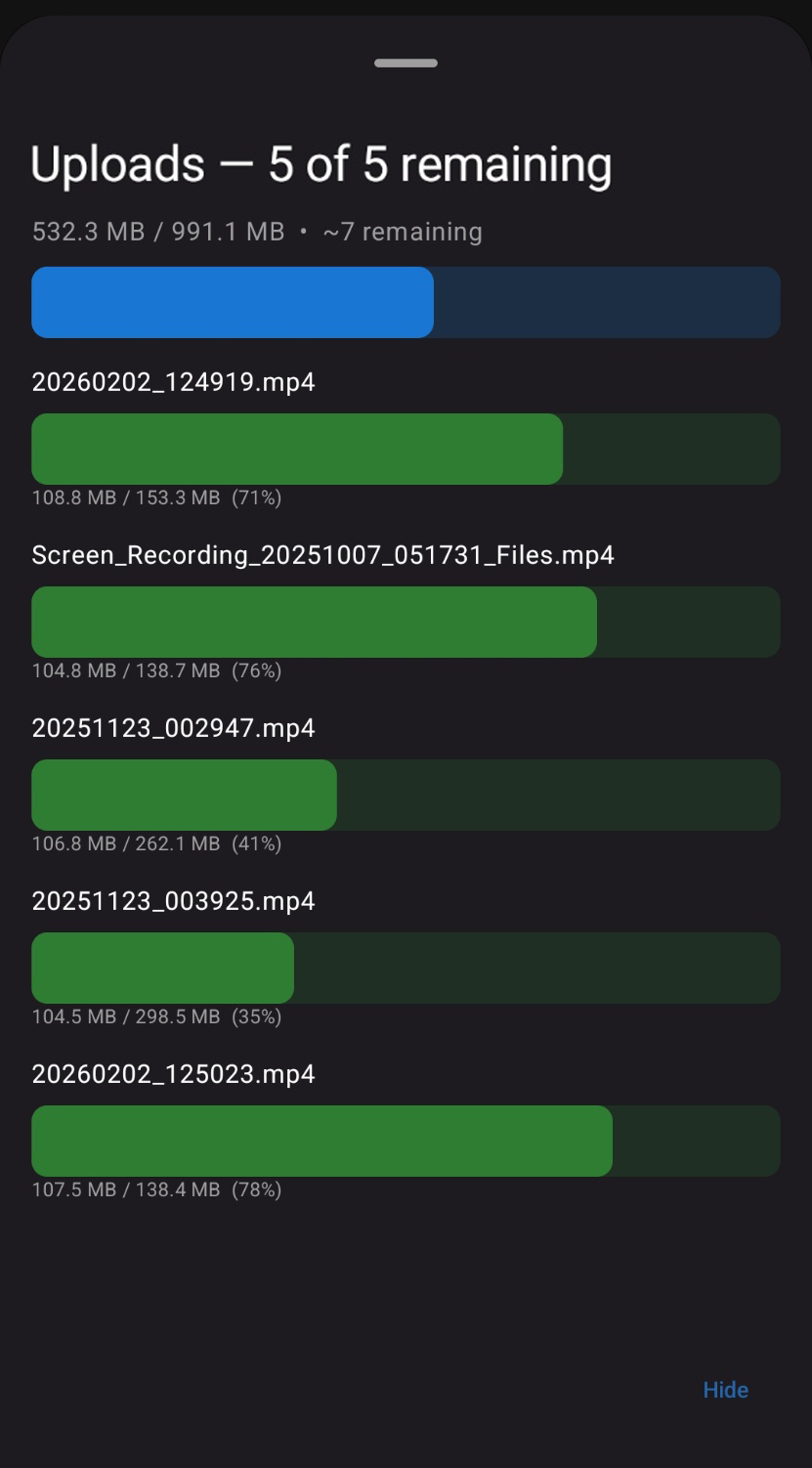
Upload from your phone
Send files to your PC with live progress
Upload multiple files and see transfer progress in real time. No waiting, no guessing, and no extra steps.
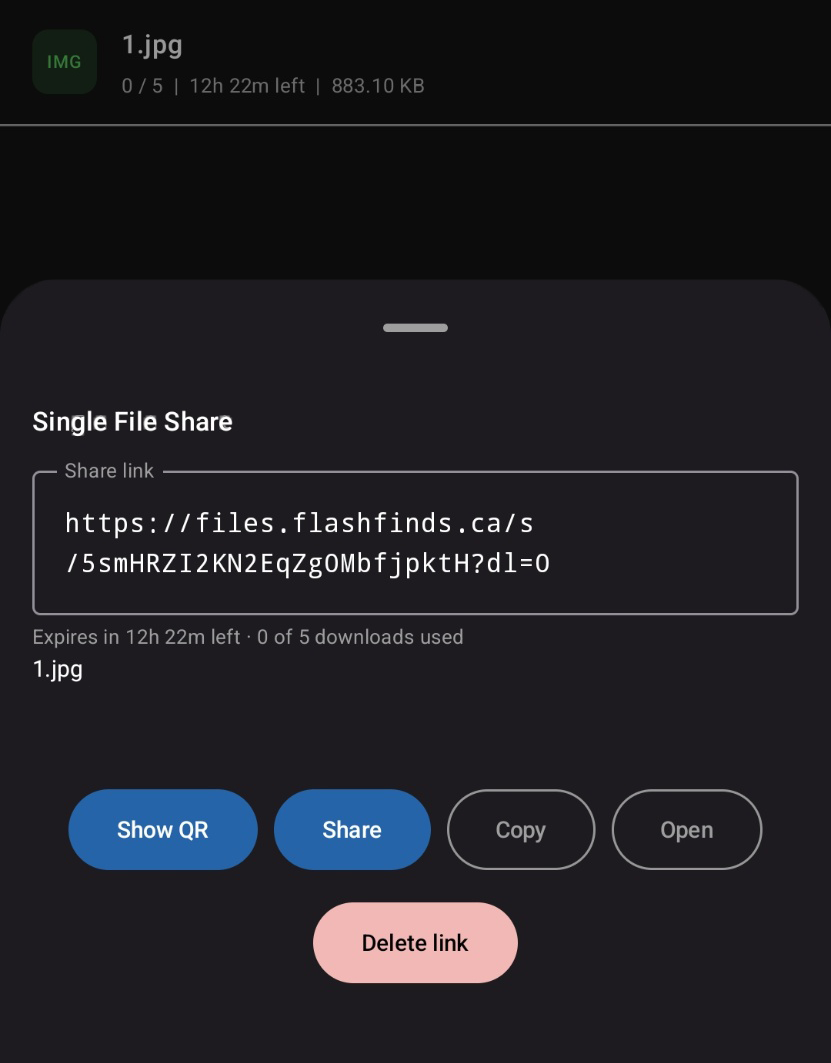
Smart sharing
Share links with limits, QR access, and control
Generate secure links, show a QR code, copy the link, open it directly, and delete access whenever you want.
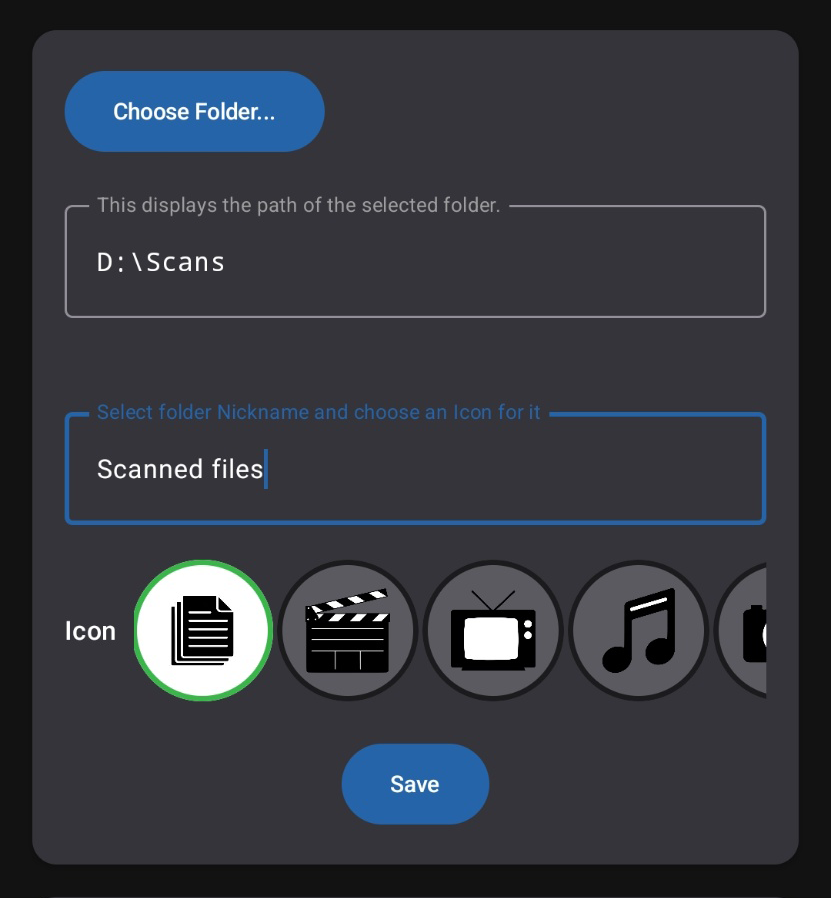
Choose your sources
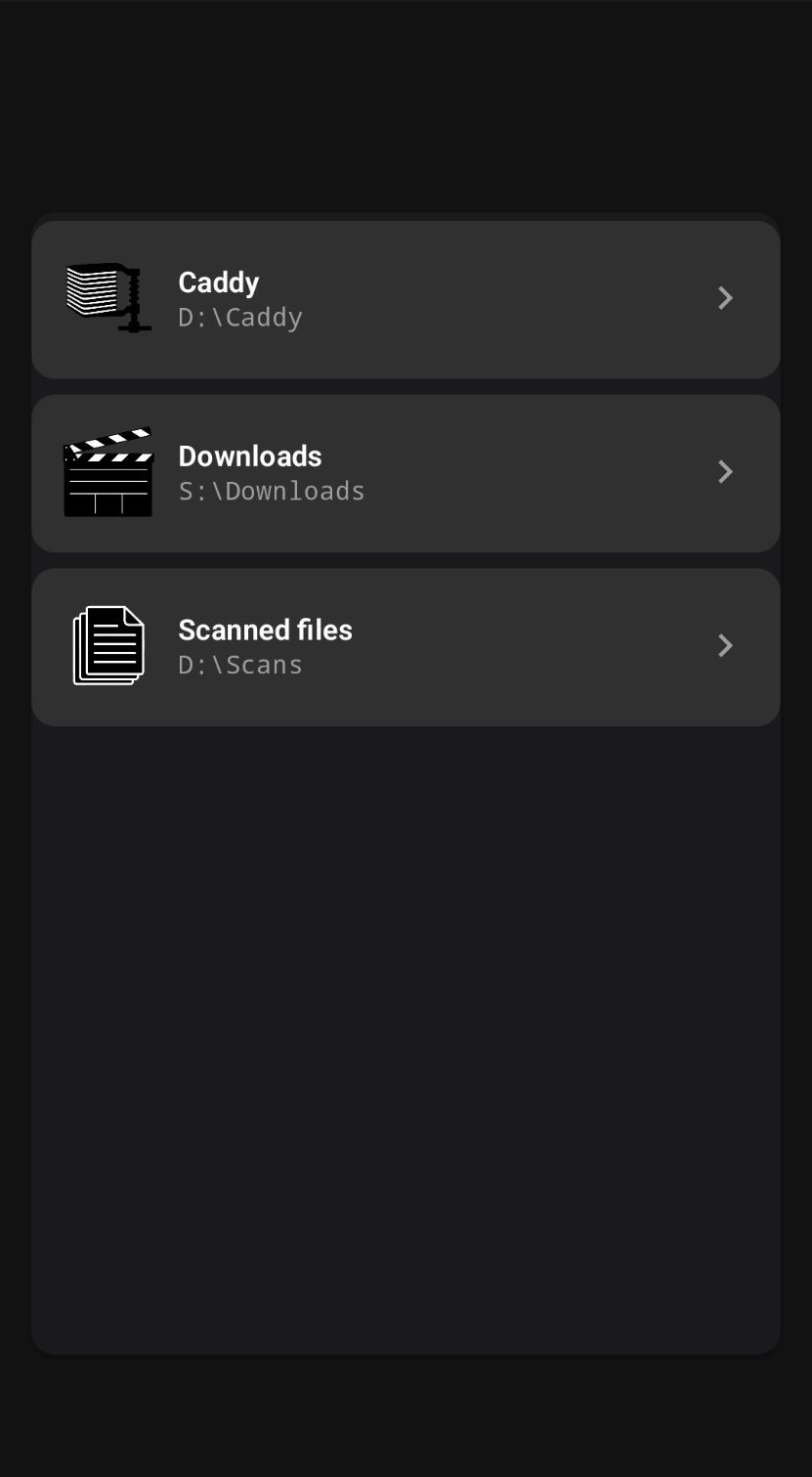
Map the folders you want to make available
Select folders on your PC, name them clearly, assign icons, and keep your shared libraries organized.
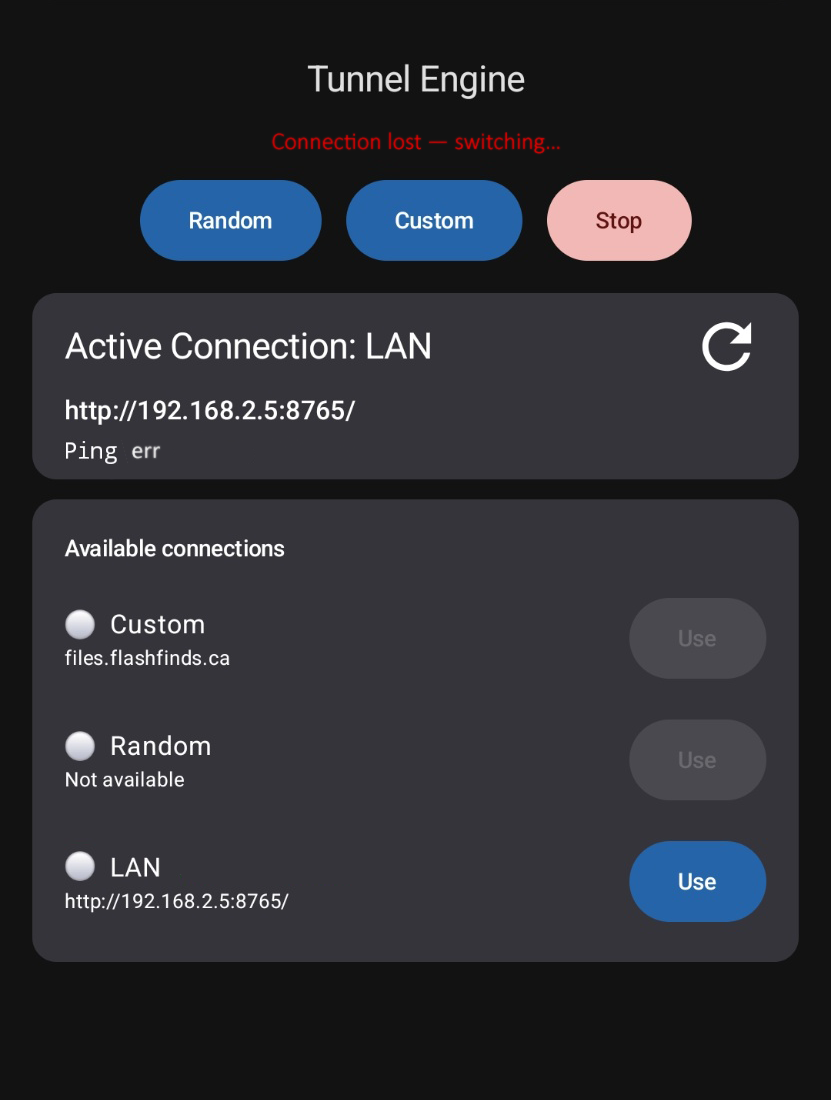
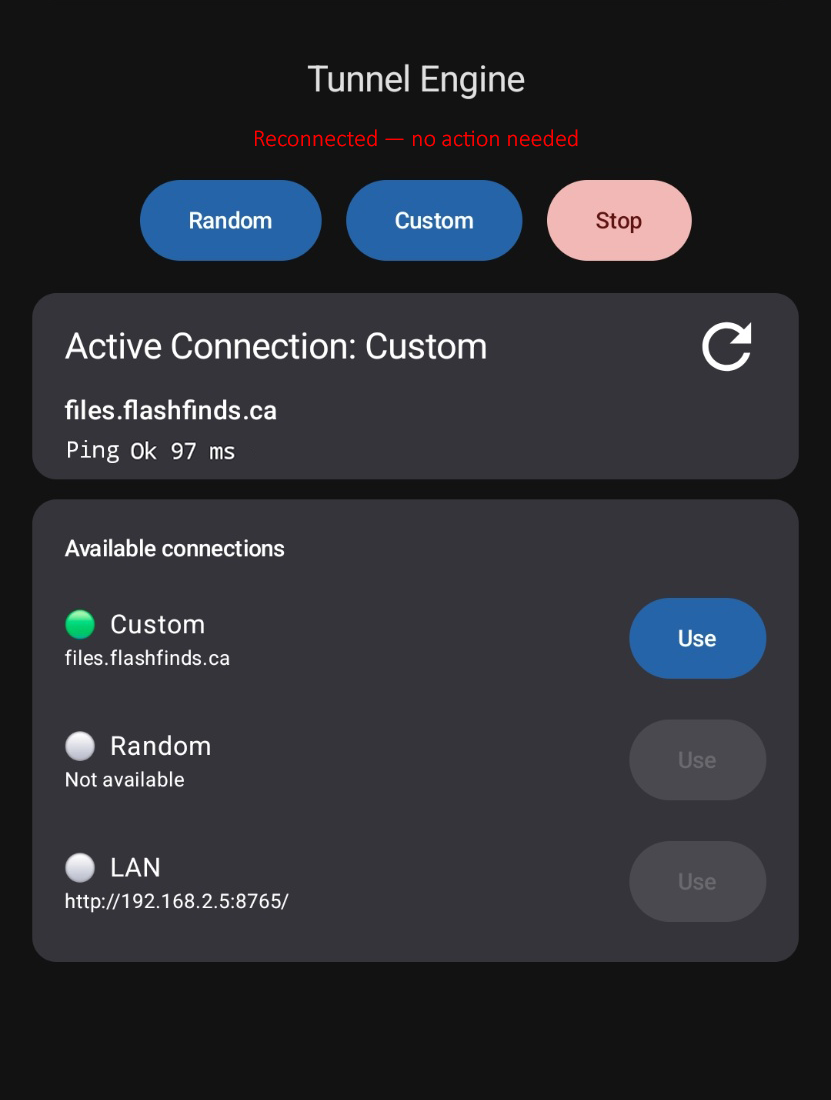
Reliable connection
Automatically reconnects when your network changes
If your connection drops, the app can recover automatically so you keep access without rescanning and starting over.
Ready to access your PC from your phone?
Scan, connect, browse, upload, and share in seconds.
Download